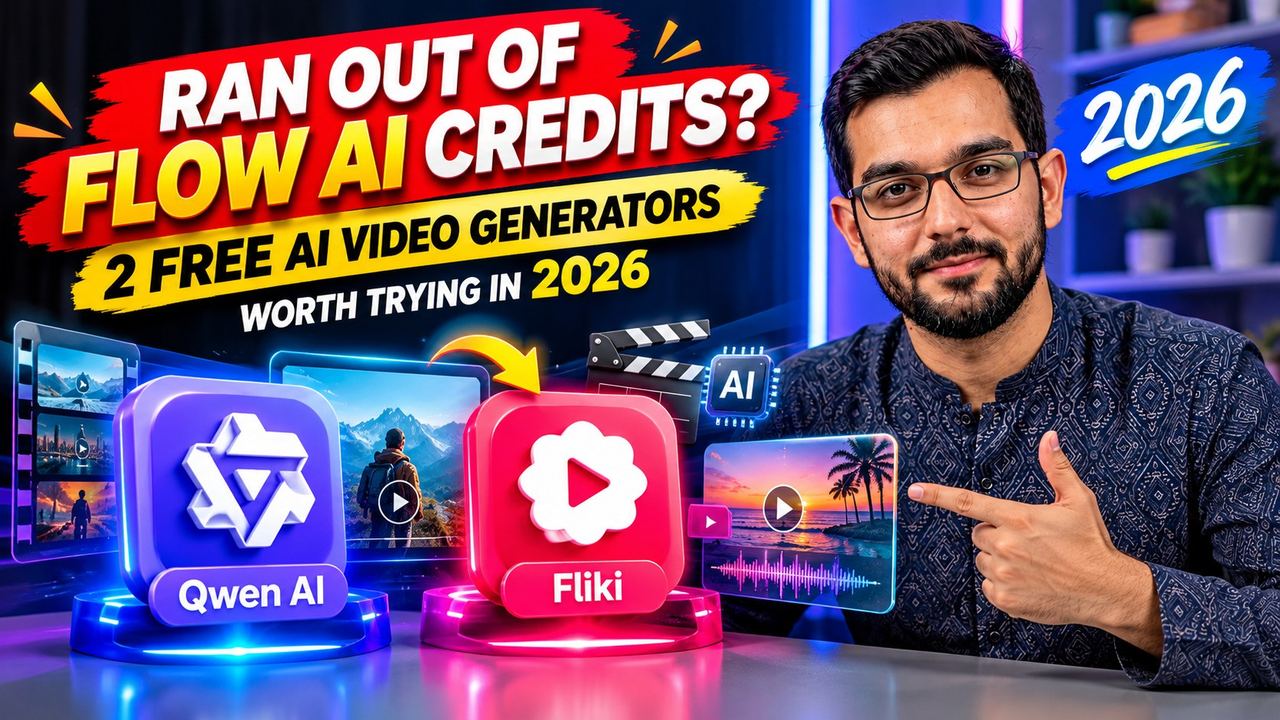
Ran Out of Flow AI Credits? 2 Free AI Video Generators Worth Trying in 2026 (Qwen AI + Fliki)

Google Flow is one of the best AI video tools available right now, but its free credits disappear fast. One week you are generating cinematic clips, the next you are staring at an empty balance. You are not stuck. I tested two genuinely free AI video generators that keep you creating: no credit card, no fake "unlimited" claims, and I will tell you exactly where their limits are.
Why free AI video credits run out so fast
AI video generation is expensive to run, so every platform rations it. Flow gives new users a trial credit pool, and each generation eats into it. The smart move is not to hunt for "unlimited free" tools that do not exist. It is to build a small stack of honest free tools that cover different jobs.
Tool 1: Qwen AI — actually free video generation
Qwen AI (chat.qwen.ai, built by Alibaba) includes a video generation feature that is genuinely free. No credit card, no trial countdown. Open the site, choose Video Generation, type a text prompt or upload an image to animate, and generate.
What makes it useful:
- Text-to-video and image-to-video. Describe a scene or animate a still image you already have.
- No sign-up wall for basics. You can start generating without handing over payment details.
- Good for short B-roll. Product shots, animated thumbnails, background loops, and social clips.
The honest limits:
- Clips are short, around five seconds. This is not the tool for a two-minute cinematic short. It is a clip factory for short segments you edit together.
- Free resolution is modest. Fine for social feeds, not for broadcast-quality output.
- Generation slows down at peak hours. Free users share capacity, so complex prompts can take a while.
Best use: generate five-second clips, pick the best takes, and assemble them in CapCut or Premiere. Three good five-second clips plus your own editing becomes a solid fifteen-second social video.
Tool 2: Fliki — script to full video, automatically
Fliki (fliki.ai) takes a completely different approach. Instead of generating raw clips, you paste a script and Fliki builds a complete video: AI voiceover, visuals matched to your words, captions, and background music. It is the closest thing to a one-click video assembly line on a free plan.
What makes it useful:
- End-to-end workflow. Script goes in, finished video with voiceover and captions comes out.
- Great for faceless content. Tutorials, explainers, listicles, and quote videos without recording yourself.
- No credit card to start. Sign-up is required, but no payment details.
The honest limits:
- The free plan gives about three credits per month, roughly three minutes of video. That is one short video a month, not a content machine. Plan your script carefully before you generate.
- Exports are 720p with a Fliki watermark. Acceptable for testing ideas and drafts; not what you would deliver to a client.
- No commercial rights on the free tier. Personal projects and experiments, not paid client work.
Best use: test a video concept before you invest real production time in it. Write a tight sixty-second script, generate it on the free plan, and see if the idea performs before you remake it properly.
Qwen AI vs Fliki: which one for what
They solve different problems, so the question is not which is better. It is which job you have today.
- Need short visual clips to edit yourself? Use Qwen AI. Free, fast enough, no watermark on the creative process itself.
- Need a complete narrated video without touching an editor? Use Fliki. Script to finished video in one place, within the monthly limit.
- Making content for clients? Neither free tier is enough. Use them to prototype, then produce the final version on a paid plan or with your own footage.
A practical free workflow that works
Here is how to combine them into something real without spending anything:
1. Write your script first. Sixty to ninety words for a one-minute video. Tight scripts waste fewer credits. 2. Generate your hero clips in Qwen AI. Two or three five-second clips covering your key visuals. Keep the best takes. 3. Build the voiceover version in Fliki. Paste the same script, let it generate the narrated cut, and compare. 4. Edit the winner in CapCut. Add your own captions, music, and pacing. The AI output is raw material, not the finished product.
The creators getting real results from free AI tools in 2026 are not the ones hunting for unlimited generators. They are the ones who learn each tool's real limits and plan around them.
The bottom line
Flow's credits will keep running out. Qwen AI gives you free short clips with no card required, and Fliki gives you a free script-to-video pipeline with a small monthly quota. Neither replaces a full production setup, and neither is unlimited. But together they keep you creating while the paid tools refill, and that consistency is what actually grows a channel.
Want this kind of AI video workflow built for your brand or your clients? I create AI videos, thumbnails, and full content systems for creators and businesses. Check my services and recent work on this site and get in touch.
Need help with your content?
I provide professional video editing, YouTube, Instagram and TikTok thumbnail design, AI content creation, UGC ads, social media growth support, and YouTube channel and complete brand packages.