
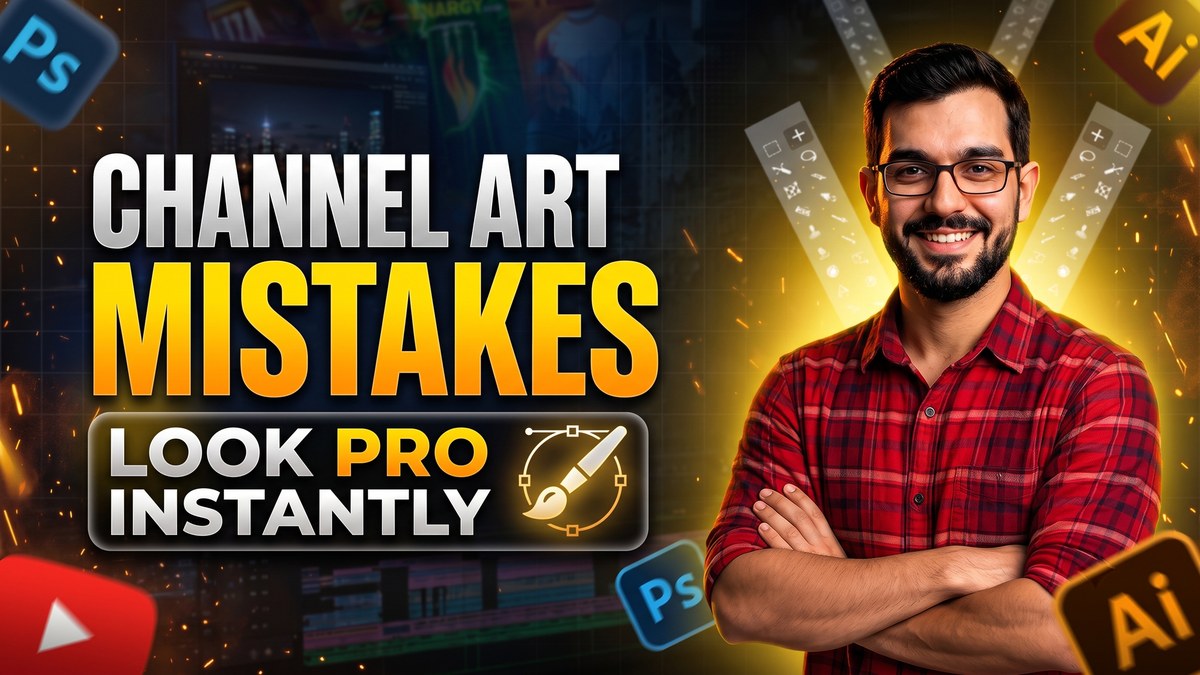
YouTube Banner Mistakes: 10 Design Errors That Cost You Subscribers in 2026

Your YouTube banner works 24 hours a day as your channel's billboard. Yet most creators treat it as decoration instead of a conversion tool. Every design error on that banner quietly costs you subscribers — people who visited, judged, and left.
Here are 10 banner design errors I see constantly, and the professional fix for each.
1. Wrong Dimensions
Uploading a random-sized image forces YouTube to crop unpredictably. The correct size is 2560 x 1440 pixels, with all critical content inside the 1546 x 423 safe area.
Always start your design on a 2560 x 1440 canvas with safe-area guides on.
2. Text Cut Off on Mobile
Over 70 percent of YouTube watch time is on mobile. Text placed near the edges simply does not exist for most of your audience.
Keep every word inside the central safe zone. Test your banner on your phone before publishing.
3. Generic Stock Backgrounds
The same free gradient everyone uses makes your channel forgettable. If your banner looks like a template, viewers assume your content is templated too.
Use colors, imagery, or style tied to your niche and personality.
4. No Branding Consistency
Banner uses one style, thumbnails another, profile picture a third. Inconsistent branding confuses viewers and weakens recognition.
Match your banner's colors and fonts to your thumbnails and logo. One visual identity everywhere.
5. Outdated Information
Old upload schedules, discontinued series, dead links — stale banners signal a stale channel.
Review your banner quarterly. Update schedules, series names, and links the moment they change.
6. Illegible Fonts
Thin script fonts over busy backgrounds are unreadable at a glance, especially on small screens.
Use bold, high-contrast type. If you cannot read it on your phone in two seconds, redesign it.
7. No Upload Schedule
Viewers subscribe to channels they expect to hear from. A banner with no schedule gives them no reason to commit.
Add your rhythm: New videos every Tuesday and Friday. Simple and effective.
8. Cluttered Layout
Too many elements fight for attention and nothing wins. Clutter reads as chaos.
Less is more. One focal point, one message, generous empty space.
9. Ignoring Dark Mode
Many viewers browse in dark mode. Banners designed only for light backgrounds can look washed out or broken.
Preview your banner on both light and dark YouTube themes before finalizing.
10. No Personality
A technically perfect but soulless banner converts nobody. People subscribe to people, not graphics.
Add your face, your style, or your signature element. Make it unmistakably yours.
Banner Design Checklist
- 2560 x 1440 canvas, 1546 x 423 safe area
- All text readable on mobile
- Colors and fonts match your brand
- One clear value message
- Upload schedule included
- Previewed in light and dark mode
- Updated at least quarterly
The Psychology Behind Banner First Impressions
Visitors form opinions in milliseconds. A clean, confident banner triggers a halo effect: viewers assume your videos are equally polished. A messy banner does the opposite, creating doubt before a single second of watch time.
This is why banner quality correlates with subscriber conversion rate. You are not decorating — you are persuading.
Real Examples of Banner Transformations
Consider a gaming channel that replaced a cluttered collage with one bold character render, the channel name, and an upload schedule. Subscriber conversion from channel page visits doubled within a month. Nothing else changed.
Or a tech educator who swapped generic gradients for a clean dark design matching their thumbnails. Average view duration from browse features rose because expectations were set correctly.
The 60-Minute Banner Makeover
You can fix most banner mistakes in one focused hour. Minutes 1 to 10: audit your current banner on mobile and desktop and list every issue. Minutes 10 to 40: rebuild on a proper 2560 x 1440 canvas with safe-area guides, applying the checklist from this guide.
Minutes 40 to 55: test readability on your phone, check dark mode, and verify every link and schedule detail is current. Minutes 55 to 60: upload, publish, and view the live channel page on two devices.
One hour, one dramatically better first impression. Schedule it this week.
Banner Copywriting That Converts
Your banner headline should complete this sentence for a stranger: this channel helps me ___. Strong examples name the outcome: Learn video editing fast, Daily AI tool tutorials, Budget travel guides.
Avoid vague claims like quality content or best channel. Specificity converts; generality is invisible.
Final Words
Fix these 10 errors and your banner stops costing you subscribers and starts earning them. Great channel art is not about being a designer — it is about respecting the viewer's first impression.
Bookmark this checklist for your next banner refresh.
Keep Reading
Need Help Growing Your Channel?
I design high-converting channel art, thumbnails, and full brand identities for creators. Check my portfolio or reach out on WhatsApp.
Portfolio: https://qasim-portfolio-vr5w.vercel.app
Instagram: @officialqasimmedia