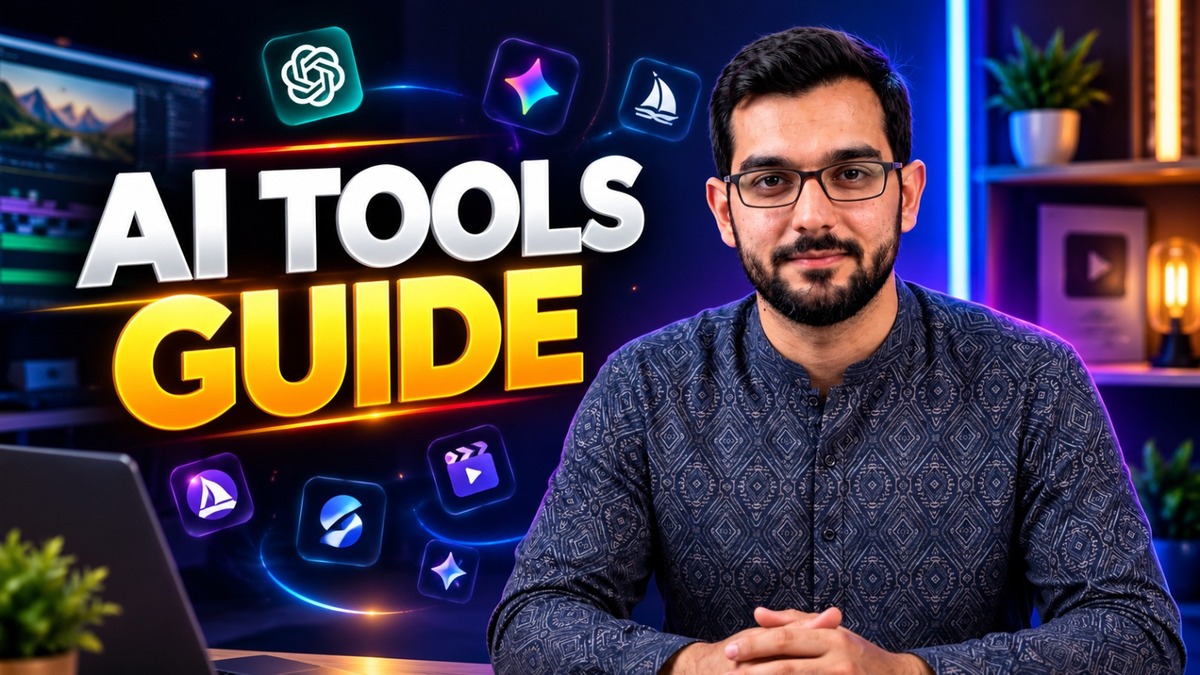
AI Tools Guide for Creators 2026: Organized by Category to Power Your Future

Why Creators Need a Guide, Not a Longer List
Every week a new AI tool goes viral, and every creator ends up with the same problem: too many tools, no system. The tool is not the strategy. The system is. A creator who uses five tools with a clear job for each one will always beat a creator who collects fifty tools and opens none of them properly.
This guide organizes AI tools by category, the way a working creator actually uses them. For each category you will find what the tools are for, what to look for, and the mistakes that waste time and money. No tool here is presented as a magic button. Every tool still needs your taste, your voice, and your judgment.
Video
Video is where most creators spend the most time, and where AI saves the most time. AI video tools help with three jobs: generating clips, editing faster, and repurposing long videos into short ones.
Use AI video tools for first drafts, B-roll, captions, and rough cuts. Keep the final edit in your own hands, because pacing, story, and sound are what make a video feel human. A good rule is simple: let AI do the repetitive work, and keep the creative decisions for yourself.
What to look for: realistic motion, clean captions, easy export in vertical format, and a workflow that fits your editor, such as CapCut, rather than forcing you to learn a whole new program for one clip.
Common mistake: generating a video and publishing it without checking faces, hands, text on screen, and lip sync. Always watch the full clip before it goes out.
Design
Design tools help creators make thumbnails, banners, social posts, and brand visuals faster. The best use of AI design tools is not to replace the designer, but to speed up the boring parts: backgrounds, variations, resizing, and first ideas.
A strong thumbnail still needs three things: one clear subject, very few words, and a composition that survives a small screen. If the thumbnail only works at full size, it does not work. Test it small before you publish.
Common mistake: letting AI change a face, a logo, or a brand color. Your face and your brand are the asset. Protect them. Use your own photo and your own colors, and treat AI as the assistant, not the author.
Writing
Writing tools help with scripts, captions, descriptions, titles, and emails. They are excellent for outlines, first drafts, and rewriting a rough idea in clearer language. They are poor at replacing your experience, because they cannot know what you actually did, saw, or learned.
Use writing tools to get unstuck, then rewrite in your own voice. Keep facts, names, prices, and claims out of AI drafts unless you have checked them yourself. A confident sounding sentence is not a verified fact.
For creators, the most useful writing workflow is short: outline first, draft second, edit third. If you skip the outline, you get long text that says very little.
Chatbot
Chatbots are the everyday assistant for creators: answering questions, explaining a topic, brainstorming ideas, and drafting messages. The best chatbot is the one you actually use, with a clear instruction, not the one with the longest feature list.
Write prompts the way you would brief a person: what you want, who it is for, how long it should be, and what to avoid. Vague prompts give vague answers. One specific example in your prompt is worth more than ten adjectives.
Common mistake: pasting sensitive information, passwords, or private client work into a public chatbot. Keep private material private, and use AI for the work that is safe to share.
Marketing
Marketing tools help creators plan content, write hooks, schedule posts, and understand what is working. The useful part is not automation for its own sake. It is consistency: a plan you can actually follow for weeks, not a burst of posts followed by silence.
A practical marketing stack is small: one place for ideas, one calendar for publishing, and one simple way to check which posts brought real viewers, not just likes. If a tool gives you twenty charts and no decision, it is not helping.
Common mistake: copying viral hooks word for word. A hook works because it fits the video behind it. Borrow the structure, not the sentence, and make the promise match the content.
Productivity
Productivity tools are the quiet winners. Note taking, transcription, task lists, and meeting summaries do not go viral, but they give a creator hours back every week. Transcribe your own voice notes, turn them into a script outline, and you have already done half the work before you sit down to edit.
The rule for productivity tools is integration: if a tool needs you to copy and paste everything by hand, it is not saving time. Pick tools that sit inside the apps you already open every day.
Data and Analytics
Data tools help you read the numbers without drowning in them. For most creators, only a few numbers matter: which videos people finish, which thumbnails people click, where viewers come from, and which posts bring visitors to your website.
Check analytics weekly, not hourly. Hourly checking changes nothing except your mood. Weekly checking shows a pattern, and a pattern is something you can act on. When a video works, ask why it worked before you try to repeat it.
Common mistake: chasing one viral video and changing your whole niche because of it. One result is not a trend. Three similar results are a signal worth following.
Education
Education tools help creators learn faster: summaries, explanations, practice questions, and step by step guides. They are best used as a tutor, not as a shortcut. Ask the tool to explain a concept in simple words, then test yourself by explaining it back without looking.
For creators who teach others, education tools are also a content source: the questions people ask you are the videos, posts, and articles your audience actually wants.
How to Build Your Own AI Stack
Start with one tool per category, and only add a tool when it solves a problem you actually have. Your stack should fit on one page. If it does not, it is too big.
A simple starter stack looks like this:
- One video tool for drafts and captions
- One design tool for thumbnails and variations
- One writing tool for scripts and descriptions
- One chatbot for ideas and explanations
- One scheduling tool for consistent posting
- One notes or transcription tool for capturing ideas
- One analytics habit, weekly, not hourly
Review your stack every month. Remove any tool you have not used in two weeks. A smaller stack you use daily beats a bigger stack you pay for and ignore.
The Honest Limits
AI tools do not replace taste, trust, or consistency. They do not know your audience, your story, or your standards. They can produce a first draft in seconds, but they cannot decide what is good, what is honest, or what is worth publishing. That decision is yours, and it is the whole job.
The creators who win in 2026 will not be the ones with the most tools. They will be the ones with a clear system, a consistent schedule, and content that actually helps someone. Use AI to make that system faster, not to replace it.
Frequently Asked Questions
How many AI tools does a creator really need?
Start with one per category, usually five to seven tools in total. Add a new tool only when it saves you real time on a real task.
Are free AI tools good enough to start?
Yes, for learning and for early content. Free tools are enough to test a workflow. Pay only when a tool is already earning its place in your daily work.
Will AI tools replace video editors and designers?
No. AI changes the repetitive parts of the job, but editing judgment, thumbnail taste, brand decisions, and client trust still need a human. The best results come from a human using AI well.
What is the biggest mistake beginners make with AI tools?
Collecting tools instead of building a system. Pick a small stack, use it every day for a month, and only then change it.
How do I choose between two similar tools?
Test both on the same real task, with the same deadline. The tool that gives you a usable result faster, with less fixing, is the right one for you, regardless of what is trending.
Need help with your content?
I provide professional video editing, YouTube, Instagram and TikTok thumbnail design, AI content creation, UGC ads, social media growth support, and YouTube channel and complete brand packages.