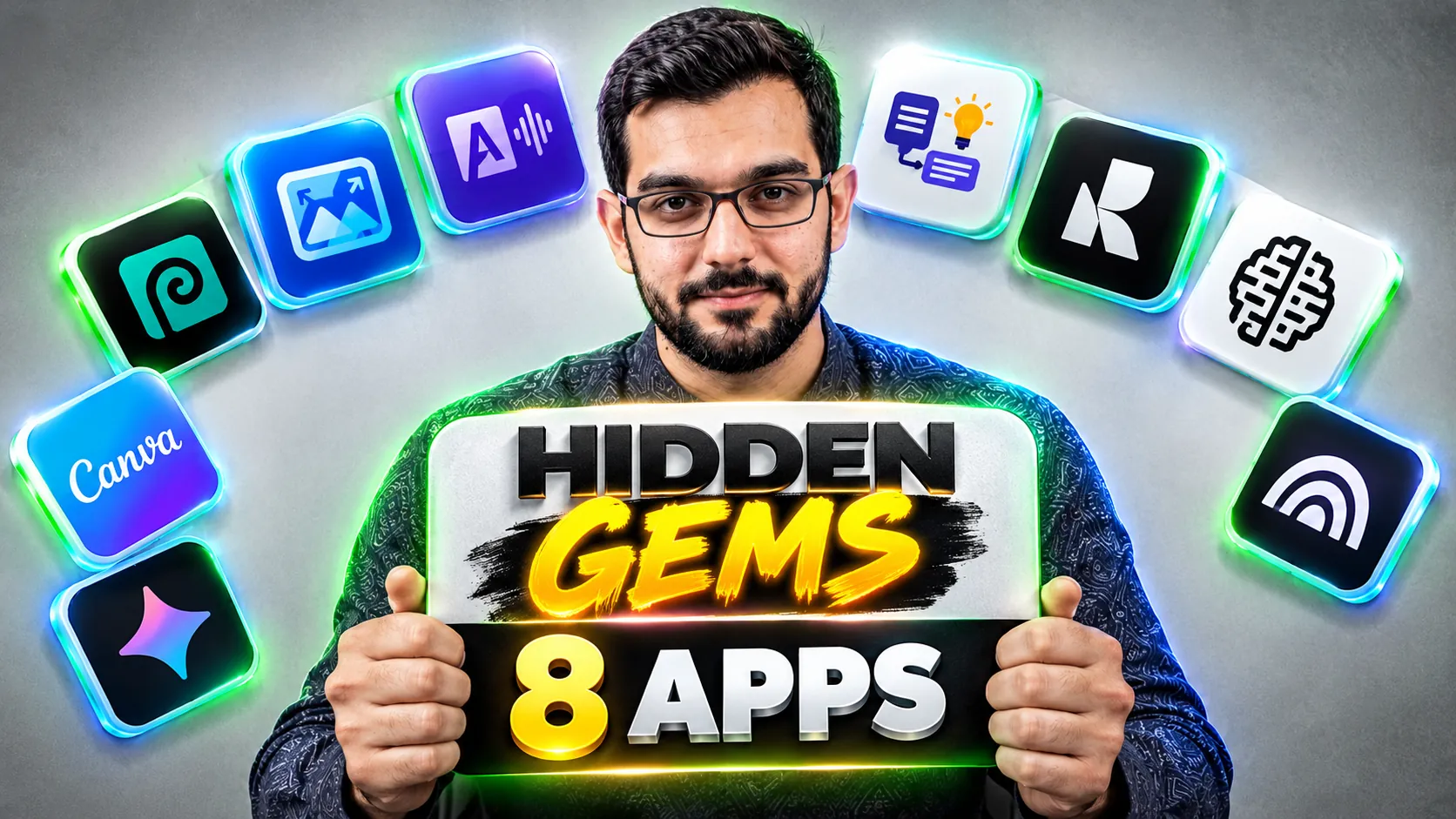
Hidden Gems: 8 Free AI Apps Most Creators Have Never Tried in 2026

Everyone knows ChatGPT, Canva and CapCut. The tools below are the ones working creators quietly use while everyone else pays for worse alternatives. None of them are brand new, all of them are free to start, and each one solves a specific production problem. As always, honest limits included: no tool here is perfect, and I will tell you exactly where each one stops.
1. Photopea: Photoshop in your browser, free
Photopea looks and works like Photoshop: layers, masks, smart objects, PSD support. It runs entirely in the browser with no install and no account. Most creators have never heard of it because Adobe spends nothing marketing a free competitor to itself. I use it for thumbnail touch-ups, quick background swaps and converting PSD files on machines without Adobe installed.
Honest limit: it is ad-supported, and files over a few hundred megabytes can lag. For social design and thumbnail work, it never breaks a sweat.
2. Upscayl: free AI upscaling with no watermark
Blurry screenshot? Low-res client logo? Upscayl is a free, open-source desktop app that enlarges images up to 4x using AI models running on your own machine. Unlike online upscalers, there is no upload queue, no watermark and no credit system. I run old thumbnails and low-quality B-roll stills through it before reusing them.
Honest limit: it cannot invent detail that was never there. A tiny 200-pixel image becomes a clean bigger image, not a miracle.
3. Adobe Podcast Enhance: rescue bad audio free
Recorded on a phone in a noisy room? Adobe's free Enhance Speech tool (at podcast.adobe.com) removes background noise, echo and mic harshness with one upload. The difference on phone-recorded voiceovers is dramatic: it sounds like a different microphone. Every creator records bad audio sometimes; this is the free fix.
Honest limit: it needs an Adobe account, and very distorted or clipped audio stays distorted. It polishes, it does not resurrect.
4. Napkin.ai: turn text into visuals automatically
Blog posts and presentations die without visuals, and designing charts takes forever. Napkin.ai reads your text and generates diagrams, infographics and illustrations from it. Paste a paragraph about your workflow, get a clean visual explaining it. I use it for article header graphics and client pitch decks.
Honest limit: the free plan caps generations per month, and the style options are narrower than a human designer. For explanatory graphics, it is fast and clean.
5. Recraft: AI vector graphics that get text right
Most image generators mangle text inside images. Recraft is built for design work: vector illustrations, icons, logos and marketing graphics, with far better text rendering than general image tools. Free tier included. When I need an original illustration for an article or a clean icon set for a thumbnail layout, this is where I start.
Honest limit: the free tier has monthly image caps, and complex photorealistic scenes are not its strength. It is a design tool, not a photo generator.
6. Ideogram: AI images with readable words
Thumbnails with text baked into the image: every generator tries, most fail with gibberish lettering. Ideogram was built specifically to render text correctly inside AI images. Prompt "a YouTube thumbnail background with the words FREE AI TOOLS in bold 3D letters" and the words actually spell correctly. The free tier gives daily generations.
Honest limit: longer sentences still break, and faces are not its strong suit. Short phrases and titles: excellent. Paragraphs: do not try.
7. Suno: full songs from a text prompt
Need an intro jingle or background track nobody else uses? Suno generates complete songs: lyrics, vocals and instruments from a single prompt. The free tier gives monthly credits, enough for several custom tracks. I have heard creators use it for podcast intros, channel anthems and background loops that sound nothing like stock music.
Honest limit: free credits run out quickly, and commercial licensing terms deserve a careful read before client work. For your own channel content, it is a goldmine.
8. NotebookLM: your research assistant
Google's NotebookLM lets you upload your own sources: PDFs, articles, YouTube links, then asks questions and get answers grounded in those sources, plus an AI-generated audio discussion of your material. For creators, the killer use is research: upload five competitor articles and ask what angles they all miss. It is free with a Google account and most creators have never opened it.
Honest limit: it only knows what you feed it, and the audio overviews are summaries, not deep analysis. Garbage sources in, garbage answers out.
The one-per-week rule
Eight tools is too many to learn at once. Pick one per week, use it on a real project, and keep it only if it survives a deadline. In two months you will have a toolkit your competitors do not know exists, built entirely from free tiers. The best tool is not the famous one. It is the one that does your specific job while everyone else is still paying for the famous one.
Need help with your content?
I provide professional video editing, YouTube, Instagram and TikTok thumbnail design, AI content creation, UGC ads, social media growth support, and YouTube channel and complete brand packages.