Best AI Tools for YouTube Creators in 2026: Editing, SEO and Growth

The average YouTube video takes hours of scripting, editing, captioning and packaging before it earns a single view. The creators growing fastest in 2026 are not necessarily more talented; they use ai tools for youtube creators to compress every repetitive stage of that pipeline. This guide groups the best ai tools for youtubers by the job they do, with honest notes on what is free, what is paid, and what is actually worth your money.
Script and ideas: never stare at a blank page
ChatGPT and Claude are the two script assistants most creators use. Both have genuinely useful free tiers for brainstorming hooks, outlining videos and drafting titles. The free versions limit how much you can generate per day, which is enough for a few videos a week. Paid plans remove the ceiling but do not write better by default; your angles and experience still do the heavy lifting. I compared the two in depth in my ChatGPT vs Claude vs Gemini guide.
Video generation: footage you do not have to shoot
Google Flow and Runway lead this category. Flow gives Google account holders monthly free credits with watermark-free exports, ideal for hooks and B-roll. Runway offers finer camera control but its free credits are a one-time taste. Pika and Kling are worth keeping for stylised effects and realistic motion on daily free credits. My full comparison of free AI video generators without watermark breaks down every free tier honestly.
Editing: where AI saves the most hours
CapCut is the free workhorse: auto captions, silence removal, templates and clean exports with no watermark on standard videos. Descript edits video by editing text, brilliant for talking-head and podcast channels, but its free plan is a short trial in disguise. Premiere Pro's AI features (auto captions, scene detection, audio cleanup) reward editors who already work in Adobe; my AI video editing in Premiere Pro guide shows that workflow. Honest rule: pick one editor and master it instead of collecting five.
Captions: the cheapest watch-time upgrade
Most viewers start videos on mute, so captions directly buy you watch time. CapCut's auto captions are free and accurate enough for Shorts. Paid caption tools like Submagic add animated styles and emojis that suit high-energy channels. Whichever you choose, check names and numbers manually; AI captions still fumble proper nouns.
Voice: narration without a studio
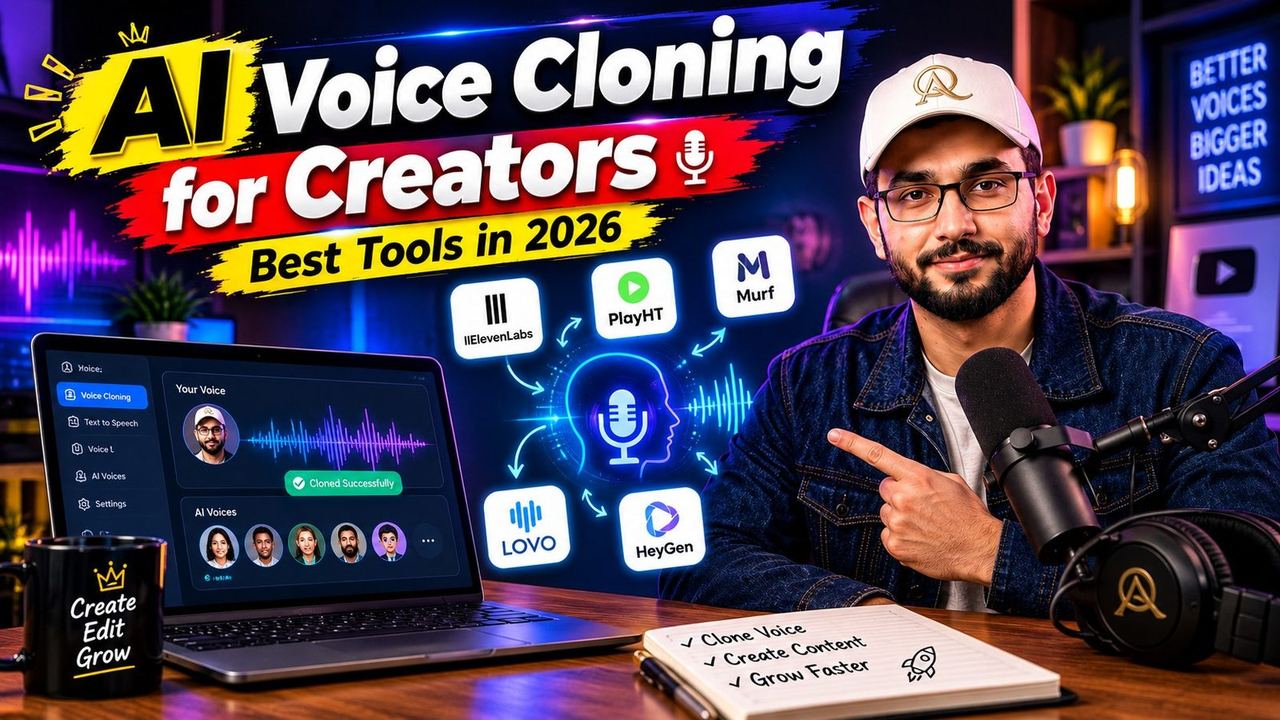
ElevenLabs is the quality benchmark for AI voice, with a free tier that includes a small monthly character allowance, enough for a few Shorts a month. Google AI Studio's free speech tools are a solid zero-cost alternative for drafts. If your own voice is your brand, clone tools can help you record once and reuse, but disclose AI narration where platforms ask. For most beginners, a phone recording cleaned up with free audio enhancement beats a synthetic voice.
Thumbnails: clicks are decided before the video starts
Canva remains the fastest free thumbnail maker, and AI image tools like Leonardo or Google Flow's image generation produce strong starting visuals. The winning workflow is still human: generate a bold background, add your real face and three or four words of text. My YouTube thumbnail CTR guide covers the contrast, faces and wording rules that separate a 2 percent thumbnail from a 10 percent one.
SEO and analytics: make videos people can find
vidIQ and TubeBuddy both offer free tiers with keyword scores, title suggestions and competitor tracking; the paid tiers mainly add volume and automation. Free YouTube Studio analytics still tell you the most important growth story: which thumbnails earn clicks and where viewers drop off. Start with my YouTube SEO basics guide, then let these youtube growth tools speed up the research you already understand.
The workflow stack I recommend for 2026
- Zero budget stack: ChatGPT or Claude free for scripts, Google Flow free credits for footage, CapCut free for editing and captions, Canva free for thumbnails, YouTube Studio for analytics.
- First paid upgrade: the video generator you use most, because watermark-free HD exports are what clients and sponsors notice first.
- Second paid upgrade: your SEO tool of choice (vidIQ or TubeBuddy) once you publish weekly and keyword research becomes the bottleneck.
- Skip for now: all-in-one automation suites. Until your basics are consistent, they automate a workflow you have not built yet.
If you are starting from absolute zero, pair this guide with the best AI tools for YouTubers list and the best free AI tools for creators roundup, then build your stack one job at a time.
Want this workflow run for your channel? I edit YouTube videos, design thumbnails and build AI content systems for creators and brands. DM me on Instagram @officialqasimmedia and tell me where your channel is stuck.
Frequently asked questions
What are the best ai tools for youtubers in 2026?
For most creators: ChatGPT or Claude for scripts, Google Flow for video generation, CapCut for editing and captions, Canva for thumbnails, and vidIQ or TubeBuddy for SEO research. That combination covers the whole pipeline, and every one of them has a usable free tier.
Can I grow a YouTube channel using only free AI tools?
Yes, especially at the start. A free stack of an AI script assistant, Google Flow credits, CapCut and YouTube Studio is enough to publish consistently. Paid plans become worth it when a specific limit, usually watermarks, export quality or generation volume, starts costing you time or clients.
Which AI tool saves YouTubers the most time?
For most channels it is the editor. CapCut's auto captions, silence removal and templates cut the longest stage of production, and its free tier has no watermark on standard exports. Script assistants come second; they remove the blank-page problem at the start of every video.
Are AI-generated videos allowed and monetisable on YouTube?
Yes, when the content is original and adds real value. YouTube requires disclosure for realistic AI-altered content in some cases, and reused or mass-produced low-effort content can be rejected from monetisation. Use AI to produce faster, not to publish generic videos you would not put your name on.
vidIQ or TubeBuddy: which youtube growth tool should I pick?
Both free tiers are worth testing for a month. vidIQ leans into trend and keyword discovery, TubeBuddy into upload workflow and testing tools. Pay for the one whose data you actually check before every upload; the best tool is the one in your routine.
Need help with your content?
I provide professional video editing, YouTube, Instagram and TikTok thumbnail design, AI content creation, UGC ads, social media growth support, and YouTube channel and complete brand packages.