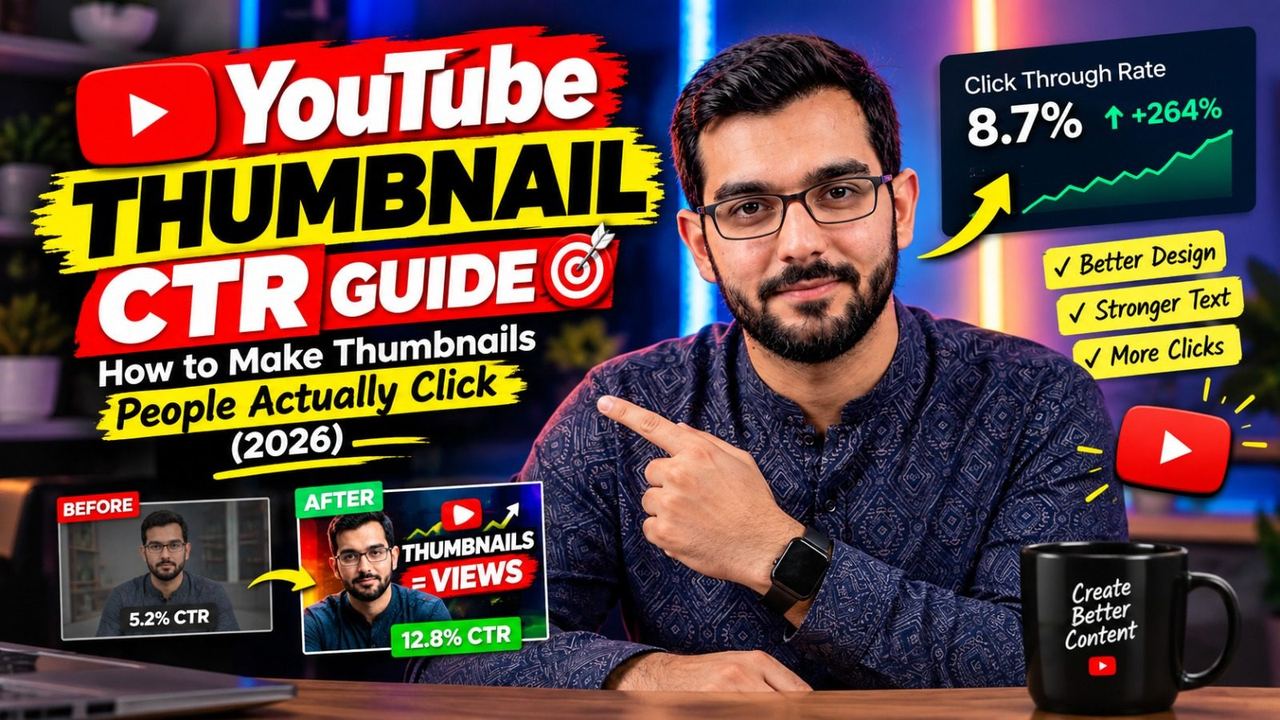
YouTube Thumbnail CTR Guide: How to Make Thumbnails People Actually Click (2026)

Your video can be amazing, but if nobody clicks, nobody watches. On YouTube, the thumbnail does most of the selling — along with your title, it's the reason someone picks your video over the ten others on screen. Understanding thumbnail CTR (click-through rate) is one of the highest-leverage skills a creator can learn.
What Thumbnail CTR Means for Your Channel
Thumbnail CTR is the percentage of people who click your video after seeing its thumbnail. YouTube shows this number in your analytics. A CTR of 4–10% is normal for most channels, though it varies a lot by niche. Here's the key part: YouTube's system notices when people click. Higher CTR usually means more impressions, which means more views. Learning how to make YouTube thumbnails that earn clicks directly feeds the algorithm.
The 3-Second Rule of YouTube Thumbnail Design
Viewers decide in about three seconds. Your thumbnail has to work at tiny sizes on phones, so good YouTube thumbnail design follows a few rules:
- One clear focal point. A face with strong emotion beats a busy scene every time.
- Big, bold text — max 3 words. If it can't be read on a phone screen, delete it.
- High contrast. Bright subject, darker background (or the reverse). Thumbnails that blend into YouTube's background get ignored.
- Curiosity gap. Show the result, not the process. Make viewers need to click to get the answer.
Faces, Text, and Color: What Actually Works
Close-up faces with clear emotions — shock, excitement, curiosity — consistently outperform object-only thumbnails in most niches. Pair the face with 2–3 words that add context the title doesn't already give; never repeat your title word-for-word. For colors, saturated reds, yellows, and blues pop against YouTube's interface. Test different styles and let your analytics tell you what your audience prefers.
Thumbnail Mistakes That Kill Your CTR
The biggest one? Clutter. Too many elements, tiny text, five different colors — viewers scroll past confusion. Second mistake: misleading thumbnails. A click you earn with a lie becomes a viewer who leaves in ten seconds, and YouTube notices that too. Third: using the same template forever. Refresh your style every few months so regular viewers notice your new uploads in their feed.
How to Keep Improving Your Thumbnails
Check your CTR per video in YouTube Studio, not just the channel average. When a thumbnail underperforms, change it — YouTube lets you swap thumbnails anytime, and a fresh thumbnail can revive an old video. Many creators test two or three thumbnail styles before settling. The habit of testing matters more than fancy tools.
Final Thoughts
Thumbnails aren't decoration — they're packaging. Spend as much care on the thumbnail as you do on the first 30 seconds of your video, because that's the part that decides whether anyone watches at all.
Want thumbnails that get clicks? I design scroll-stopping YouTube thumbnails — DM on Instagram @officialqasimmedia and let's make your videos impossible to ignore.
Need help with your content?
I provide professional video editing, YouTube, Instagram and TikTok thumbnail design, AI content creation, UGC ads, social media growth support, and YouTube channel and complete brand packages.