10 Free AI Tools for Small YouTube Channels in 2026

Small channels do not lose to big channels because of talent. They lose because of bandwidth. A big channel has a scriptwriter, an editor, a thumbnail designer and someone who studies analytics all day. You have you.
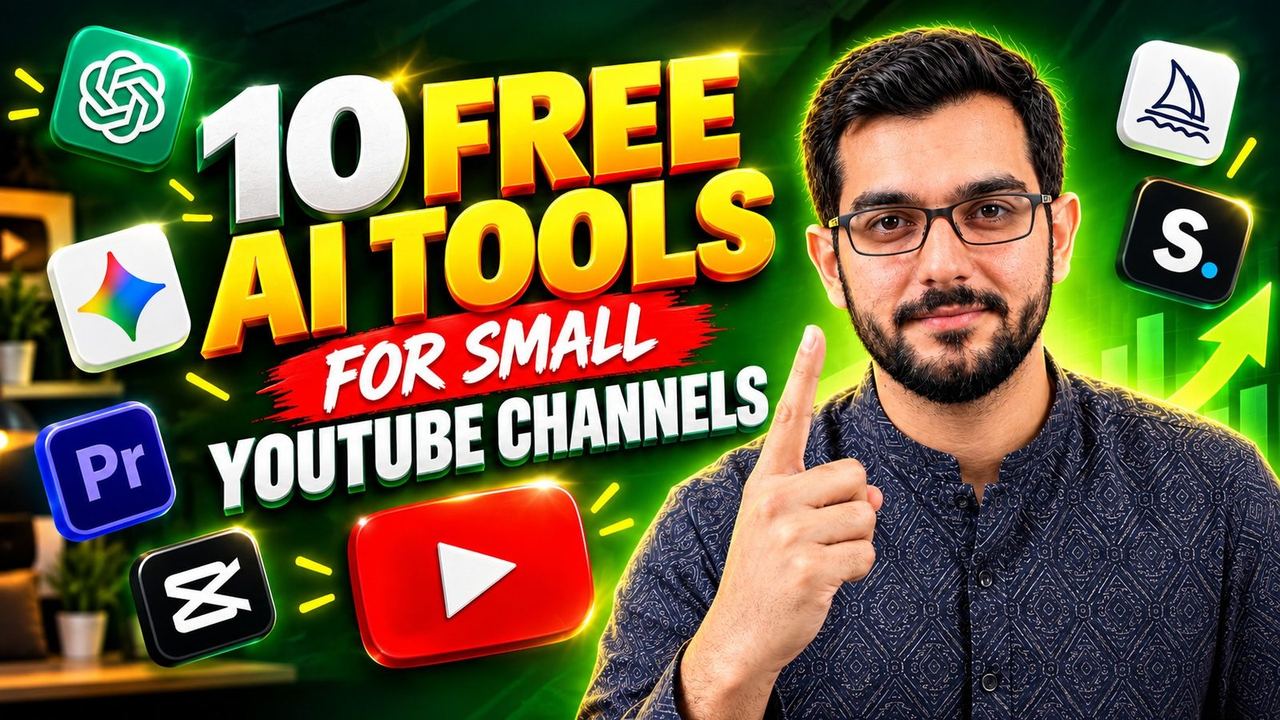
These ten free AI tools close most of that gap. Every one of them has a genuinely useful free tier — not a three-day trial, not a watermarked demo — and together they cover the full video pipeline: idea, script, title, thumbnail, edit, voiceover, B-roll and music.
Scripts and ideas
- 1. ChatGPT (free tier) — Your scriptwriter. The free tier handles brainstorming, outlines, hooks and full first drafts. The trick is specificity: tell it your audience, your video length and the tone, then ask for three hook options before it writes anything. Never publish its first draft. Use it for structure, then rewrite in your own voice.
- 2. Google Gemini (free tier) — Your researcher. Where ChatGPT is best at structure, Gemini is strong at gathering and checking current information. Use it to verify claims before you publish them. One wrong fact in a video costs more credibility than any tool can buy back.
Titles and thumbnails
- 3. VidIQ (free plan) — Your title coach. The free plan scores your titles, suggests keywords and shows what competing videos rank for. Small channels live or die on packaging, and VidIQ's free tools are the closest thing to a packaging consultant you will get for nothing.
- 4. Canva (free tier) — Your thumbnail studio. Hundreds of YouTube thumbnail templates, proper export sizes and basic background removal on the free plan. Pair a bold Canva layout with three words of text and a strong face or object, and your thumbnails will compete with channels ten times your size.
- 5. Leonardo AI (free daily tokens) — Your thumbnail artist. The free plan gives you a daily token allowance for generating custom backgrounds, characters and scenes no stock site has. Use it for the one striking visual your thumbnail needs, then finish the layout in Canva.
- 6. Ideogram (free plan) — Your text-accurate image generator. Most AI image tools butcher text; Ideogram renders short words and phrases reliably, which makes it genuinely useful for thumbnails where the text must be readable. The free plan covers a small channel's weekly thumbnail needs.
Editing and voice
- 7. CapCut (free) — Your editor. Auto-captions, silence removal, background noise cleanup and a huge free effects library. Its AI caption styling alone is worth it: word-by-word animated captions measurably improve retention on talking-head videos, and CapCut generates them in one click.
- 8. ElevenLabs (free tier) — Your voiceover artist. The free plan includes a monthly character allowance that covers several short videos. The voices are realistic enough for narration, explainers and faceless content. Write your script well first — a great voice cannot save a weak script.
B-roll and music
- 9. Pika (free credits) — Your B-roll generator. Need a cinematic establishing shot or a product close-up you cannot film? Pika's free credits produce short AI video clips that fill gaps in your footage. Use sparingly: two or three AI shots per video look premium; twenty look like you have no footage.
- 10. Suno (free tier) — Your music library. Copyright strikes kill small channels. Suno's free tier generates original background music you own, in any mood. Generate a few tracks, keep the ones that fit your niche, and build a small personal library you can reuse.
A workflow that fits a small channel
Here is how all ten fit into one video. Day one: brainstorm with ChatGPT, verify facts with Gemini, pick your title with VidIQ. Day two: generate the thumbnail visual in Leonardo or Ideogram, finish it in Canva. Day three: record or generate your voiceover with ElevenLabs, edit everything in CapCut with auto-captions, drop in Pika B-roll and a Suno track. One video, zero cost, professional finish.
The honest limits
Free tiers have ceilings. Leonardo and Pika credits run out, ElevenLabs characters are limited, and VidIQ's free plan hides the deeper analytics. Plan around it: batch your generations, save everything you make, and upgrade only the tool that becomes your bottleneck. Most small channels never need to pay for more than one or two of these — and many never pay at all.
Your disadvantage was never budget. It was time. These tools give you the time back.
Need help with your content?
I provide professional video editing, YouTube, Instagram and TikTok thumbnail design, AI content creation, UGC ads, social media growth support, and YouTube channel and complete brand packages.