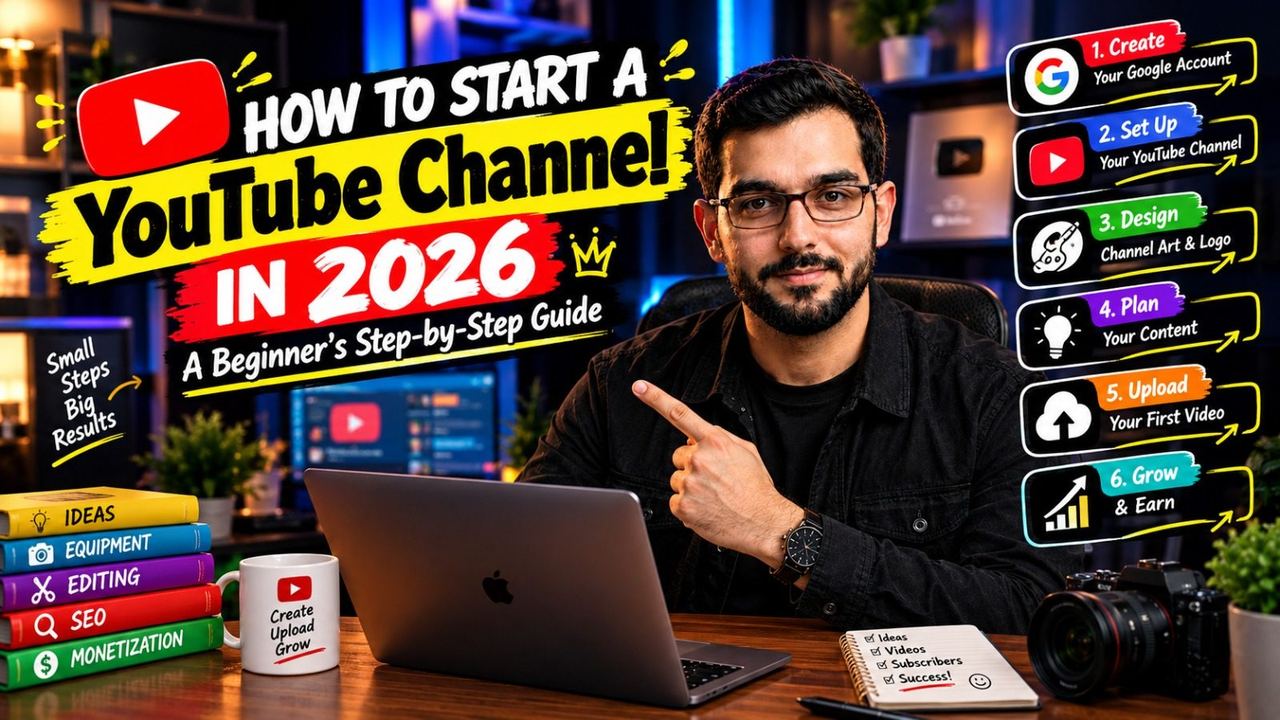
How to Start a YouTube Channel in 2026: A Beginner's Step-by-Step Guide

Starting a YouTube channel in 2026 is both easier and harder than ever — easier because the tools are free and the audience is huge, harder because competition is real. But beginners still break through every single day. If you're wondering how to start a YouTube channel from zero, here's the exact path.
Step 1: Pick a Niche You Can Sustain
Don't chase what's trendy — pick something you can talk about for 100 videos without getting bored. Classic YouTube for beginners advice says niche down, and it's right: a channel about "budget travel in Pakistan" grows faster than a channel about "my daily life." Check that people actually watch your niche by searching it on YouTube — if videos get views, there's an audience waiting.
Step 2: Set Up Your Channel Properly
Create your channel with a clear name, upload a recognizable profile picture, and write an About section that says who the channel is for. Add channel art that states your niche and upload schedule. This 20-minute setup is your first impression — channels that look intentional get subscribed to more often.
Step 3: Start With the Gear You Have
Your phone is enough. Seriously. Film near a window for free lighting, record in a quiet room, and prop the phone on books if you don't have a tripod. Upgrade gear only after you've posted 20 videos — by then you'll know what you actually need instead of guessing and overspending.
Step 4: Plan and Film Your First Videos
Don't aim for perfect — aim for published. Script just the hook and main points, then talk naturally. Try to film 3–5 videos before you publish anything, so launch week feels easy instead of panicked. Your first videos will be your worst; that's the price of admission everyone pays.
Step 5: Learn Basic Editing and Thumbnails
You don't need to master editing — learn to cut silences, add captions, and balance audio (about a weekend of practice). For thumbnails, remember the formula: big face, 2–3 words, high contrast. Your packaging decides whether anyone clicks, so give it real effort from video one.
Step 6: Upload Consistently and Study Analytics
Pick a schedule you can actually keep — one video a week beats three videos followed by burnout. After each upload, check YouTube Studio: which videos got clicked? Where did viewers drop off? Let the data teach you. Channels that adjust based on analytics improve far faster than channels that guess.
Final Thoughts
Every big YouTuber started exactly where you are now — zero subscribers, a shaky first video, and no idea if it would work. The ones who made it just kept uploading and kept learning. Start this week, not "someday."
Want a professional start? I help new creators with channel branding, editing, and thumbnails — everything you need to launch right. DM on Instagram @officialqasimmedia and let's build your channel together.
Need help with your content?
I provide professional video editing, YouTube, Instagram and TikTok thumbnail design, AI content creation, UGC ads, social media growth support, and YouTube channel and complete brand packages.