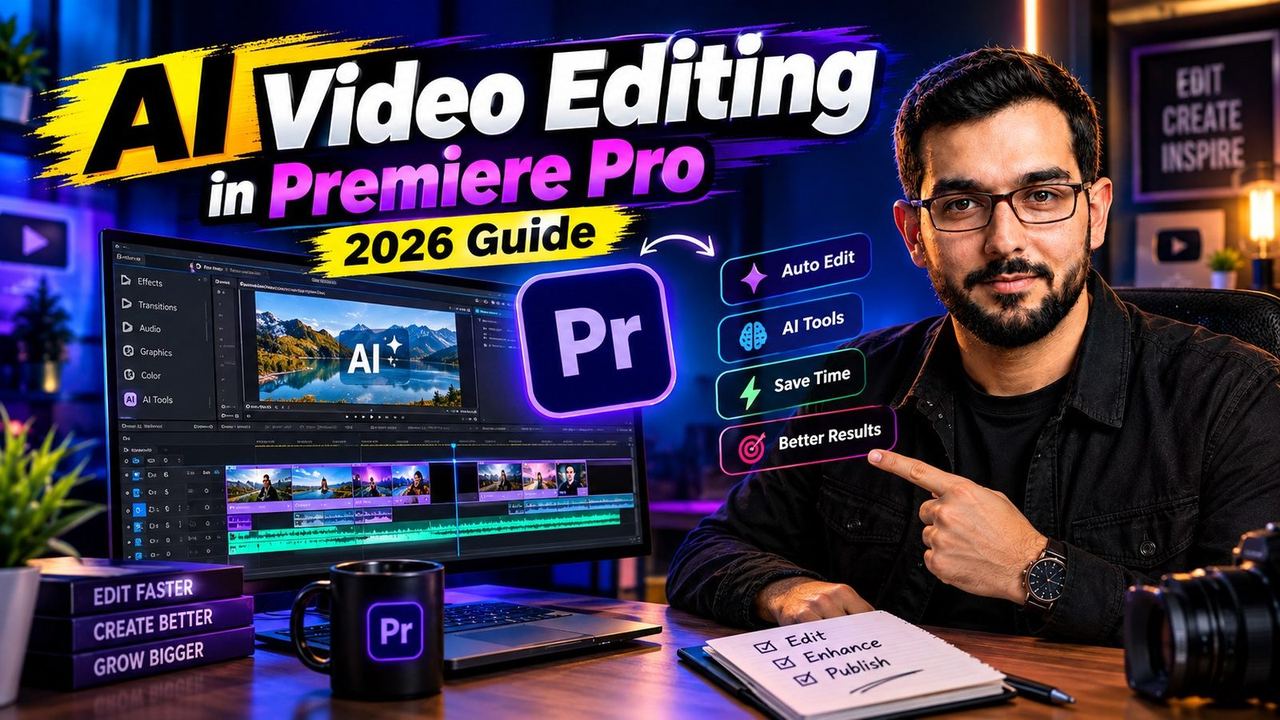
AI Video Editing in Premiere Pro: 2026 Guide

On September 8, 2026, at IBC, Adobe made the biggest change to video editing in years. Premiere Pro can now generate video in Premiere Pro itself: the new Generative Media panel puts five competing AI models, Firefly, Google Veo, Runway, Kling, and Luma, directly inside the timeline. No exporting, no round trip to another app, no juggling browser tabs.
This guide explains what the September 2026 Premiere Pro generative AI update actually gives editors, which model to use for which job, how the free Runway Premiere plugin fits in, what the After Effects AI Assistant beta does, and what this AI in-timeline video editing workflow costs in practice.
What changed on September 8, 2026
Adobe shipped a native Generative Media panel inside Premiere Pro that embeds Firefly, Google Veo, Runway, Kling, and Luma side by side. From the panel you can generate B-roll video, sound effects, and music directly onto the timeline. The same announcement brought an AI Assistant to After Effects in beta. Days earlier, on September 3, Premiere Pro received an Engineering Emmy, which tells you how seriously the industry is taking this shift.
The five AI models inside Premiere Pro
Having five models in one panel is useful because no single model wins every job. Adobe Firefly is the commercially safe default, trained on licensed content. Google Veo 3.1 produces the most cinematic results and handles dialogue scenes with native audio. Runway Gen-4.5 gives the most controlled, art-directable shots. Kling 3.0 leads on natural motion. Luma is the fast option for concepting and previz.
Which model to use for which job
Use this simple decision rule. Dialogue or talking scenes with synced audio: Veo 3.1. Product shots and controlled camera moves: Runway. Action, sports, or anything where motion quality matters: Kling 3.0. Client work where licensing must be airtight: Firefly. Quick ideas and mood boards: Luma. Picking the right Adobe Premiere AI video generator per shot is the skill now, not learning five different apps.
Runway's free Premiere plugin
On the same day as Adobe's announcement, Runway shipped its own free Premiere Pro plugin with access to Gen-4.5, Seedance 2.5, Kling 3.0 Pro, and Veo 3.1. If you already work in Runway, the plugin keeps your generations, settings, and asset library in one place. Between Adobe's panel and Runway's plugin, editors now have two overlapping doors into the same models, and the free plugin is the easiest way to test the workflow before spending anything.
Generate B-roll without leaving the timeline
The practical workflow looks like this. Park the playhead where B-roll should go, open the Generative Media panel, describe the shot with subject, action, environment, lighting, and camera move, pick the model for the job, and generate two to three variants. Drop the best take straight onto the timeline, trim to 2 to 4 seconds, and color match it to your footage. A sequence that used to take an afternoon of stock searching now takes minutes.
AI sound effects and music in the timeline
Video is only half the panel. Describe a sound, a door slam, city ambience, a riser, and generate it as an audio clip on the timeline. For music, describe the mood and tempo and generate a bed you can cut to. AI-generated audio still needs a human mix: keep music low under dialogue, cut effects on the action frame, and never let generated audio carry a scene alone.
The After Effects AI Assistant beta
After Effects received its own AI Assistant in beta alongside the Premiere update. It answers workflow questions, suggests effects setups, and helps build expressions in plain language. For motion graphics work it removes the two biggest time sinks: remembering where a buried feature lives and debugging expression errors.
What it costs in practice
Generation runs on credits, and pricing differs per model and per plan, so test with the free tiers before committing to anything. One timing note: OpenAI is ending the Sora 2 API on September 24, 2026, which is pushing more editors toward Veo 3.1, Kling 3.0, and Seedance 2.5. If any part of your workflow depends on Sora, migrate your prompt library now while you still have overlap.
Need help with your content?
I provide professional video editing, YouTube, Instagram and TikTok thumbnail design, AI content creation, UGC ads, social media growth support, and YouTube channel and complete brand packages.