One Photo to a Full Video Ad: How AI Video Tools Turn Images Into Commercials in 2026

The video ad game has changed. Brands used to need a camera crew, actors, a studio and a budget to make a commercial. In 2026, a single product photo plus AI video tools like Sora, Runway and Pika can produce a full video ad. No studio. No actors. Here is how it actually works and how you can copy the workflow.
The core idea: image to video generation
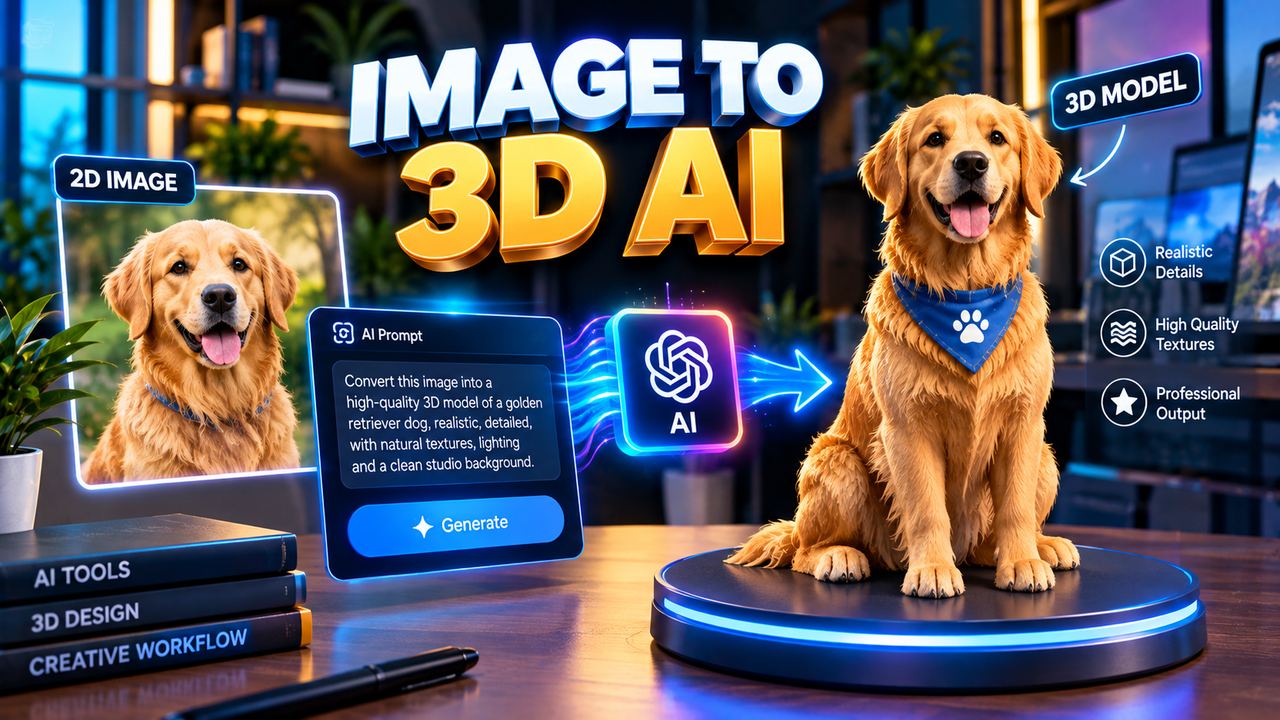
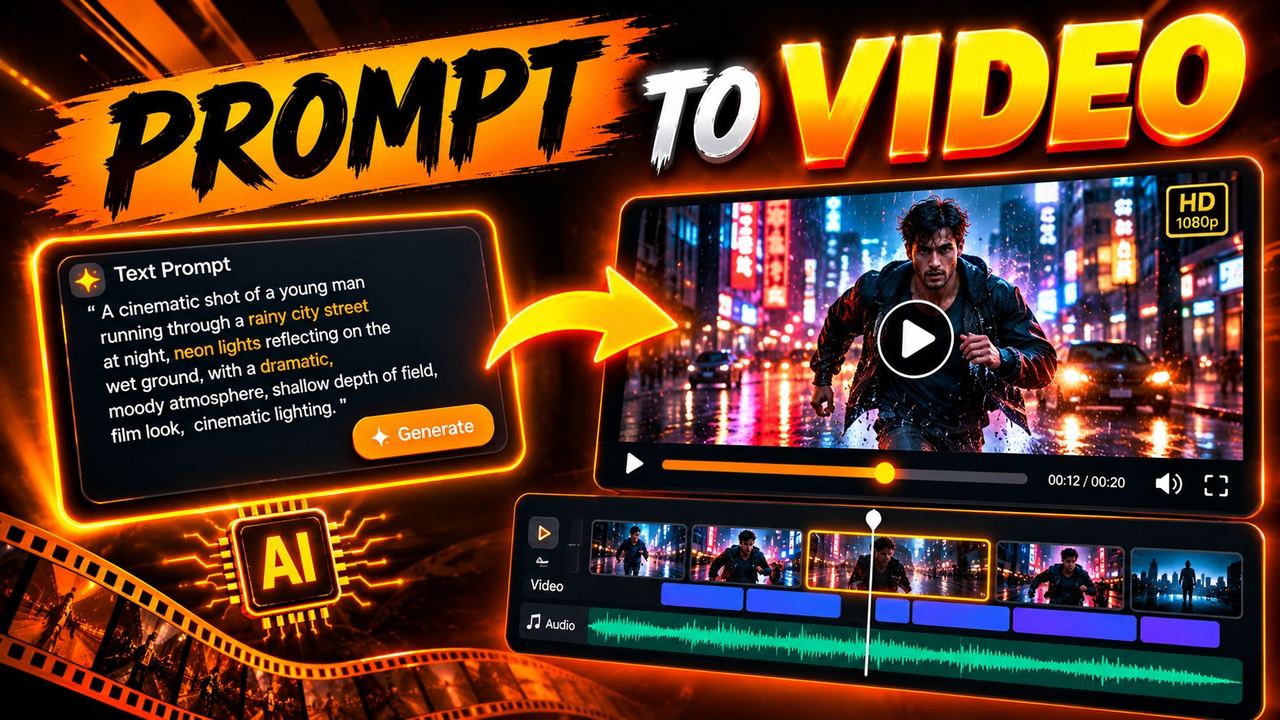
Image to video AI takes one still image and animates it based on a text prompt. You upload a photo of a product, describe the motion you want, and the tool generates a short video clip: the camera orbits the product, steam rises from the cup, fabric waves in the wind, the background shifts from studio grey to sunset.
This is not a slideshow effect. Modern tools generate genuinely new frames, with lighting, physics and camera movement that were never in the original photo. A perfume bottle photo becomes a slow cinematic rotation with light catching the glass. A shoe photo becomes a street style clip with the laces swaying.
The tools that do it best
Runway is the current favorite for commercial quality image to video. Its motion controls let you direct the camera: push in, orbit, pan, tilt. For product ads, the camera direction tools are what make the result look like a real shoot instead of a filter.
Sora produces some of the most cinematic results, with strong physics and coherent motion over longer clips. Access is more limited, but when you can use it, the output quality is a step above for anything that needs realism.
Pika is the accessible workhorse. Fast, affordable, and excellent for shorter clips and social ads. It is the tool most small creators and freelancers actually use day to day, because it is quick enough to iterate on.
CapCut deserves a mention too. It is not a full image to video generator, but its AI effects, transitions and templates turn generated clips into finished ads fast. Most creators generate the hero clip in Runway or Pika, then finish the ad in CapCut.
The workflow: photo to finished ad
Here is the exact process, step by step:
Step 1: Start with a clean photo. The input photo decides everything. Use a well lit product shot on a simple background. AI cannot invent detail that is not there, so a blurry or cluttered photo gives a blurry or cluttered video. If needed, clean it up first with a free background remover.
Step 2: Write a motion prompt. Be specific about what moves and how the camera behaves. Good: "slow cinematic orbit around the product, studio lighting, shallow depth of field, particles drifting in the background." Bad: "make it look cool." Camera language matters: orbit, dolly in, pan up, tracking shot.
Step 3: Generate in short clips. Do not try to generate a thirty second ad in one go. Generate three to five clips of four to eight seconds each, with different angles and motions. Short clips are more coherent and give you editing material.
Step 4: Pick the best takes. AI video is like filming: you shoot more than you use. Review every clip, keep the best two or three, discard the rest. Look for artifacts: warping, melting edges, impossible physics. The audience will forgive a lot, but melting logos destroy trust.
Step 5: Edit and finish in CapCut. Assemble the clips, add auto captions, a hook in the first second, background music, and your call to action. Add your brand text and logo. Export in 9:16 for reels and TikTok, 16:9 for YouTube.
Total time for a competent creator: two to three hours for a polished thirty second ad. The old way took days and a crew.
What it cannot do yet
Be honest about the limits. Text inside generated video still garbles sometimes, so do not rely on the AI to render your brand name inside the scene. Hands and complex motion can warp. Faces generated from scratch look fine in motion but should not be presented as real people. And legal basics still apply: if you sell AI made ads to clients, say so, and check that your input photos are yours to use.
Why this matters for creators
This workflow is not just a trick. It is a business model. Brands pay creators for UGC style video ads, and the creators who can deliver a polished ad from a single photo, fast and cheap, are winning those deals. One photo in, one commercial out. That is the new skill, and the tools are already here.
Need help with your content?
I provide professional video editing, YouTube, Instagram and TikTok thumbnail design, AI content creation, UGC ads, social media growth support, and YouTube channel and complete brand packages.