Claude Opus 5.5: Turn One Prompt Into a Full Motion-Graphics Video

Motion graphics used to mean hours in After Effects. With Claude Opus 5.5, creators now go from one well-written prompt to a finished animated video: script, visual direction, animated code and edit plan in a single workflow. Here is how the prompt-to-video process actually works and where its limits are.
What 'one prompt to video' really means
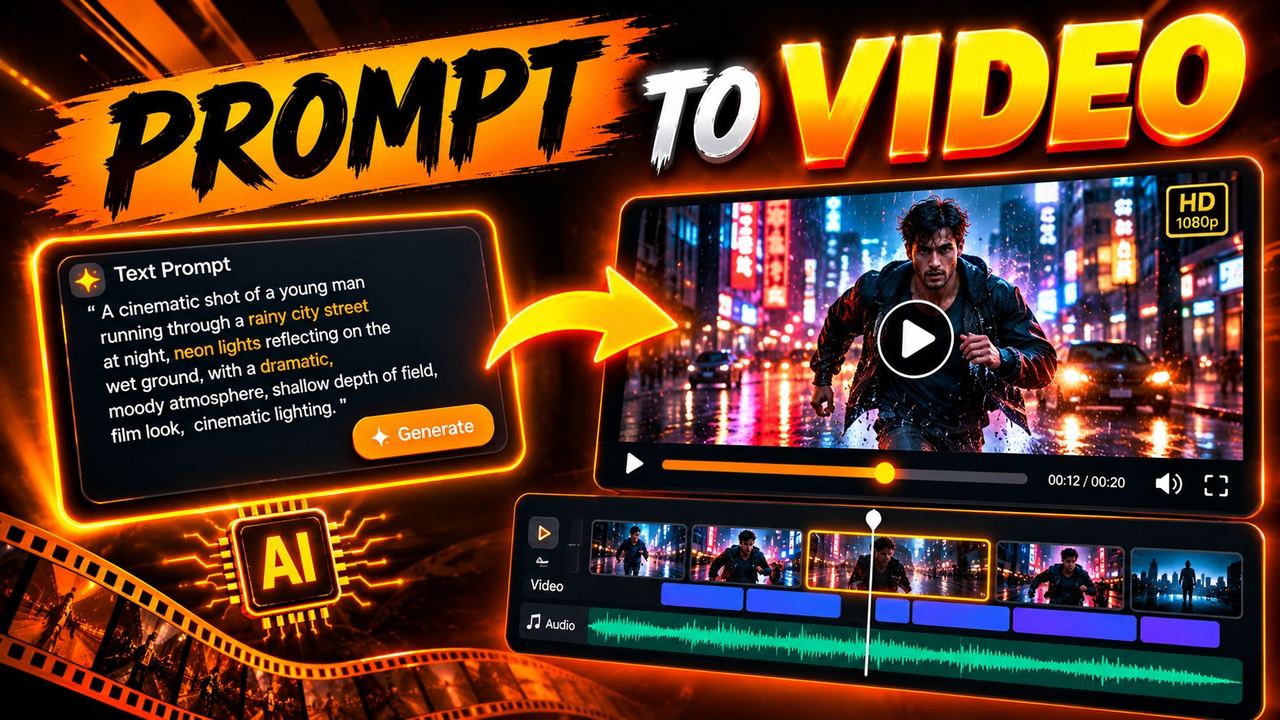
Claude does not render video files directly the way a text-to-video model does. Its strength is different: it writes the entire production package from your prompt: the script, scene-by-scene visual direction, kinetic typography layouts, and even animation code (HTML/CSS/JS or motion specs) that you render into video. One prompt becomes the blueprint; standard tools become the camera.
The prompt structure that works
A prompt that produces a real video plan needs six parts: the message (one sentence the viewer must remember), the audience, the style (kinetic typography, explainer, kinetic slides), the duration, the assets you have (voiceover, music, brand colors), and the output format you want (scene list, animation code, or edit checklist). Missing any of these gives you generic output.
The full workflow, step by step
Step 1: Brief the video like a director
Write one paragraph covering the six parts above. Example: 'A 40-second kinetic typography video for Instagram Reels explaining three free AI tools, bold tech style, my brand colors are black and gold, I have a voiceover recorded, deliver a scene-by-scene plan with on-screen text and timing.'
Step 2: Get the scene plan and refine it
Claude returns timed scenes with visuals, text overlays and transitions. Read it like an editor: cut weak scenes, tighten the hook, and ask for revisions on anything vague. Two refinement rounds beat one giant prompt.
Step 3: Generate the animation assets
Ask Claude to produce the actual buildable output: HTML/CSS animation code, SVG graphics, or a detailed build checklist for your editor. Then render or assemble in your usual tools and finish with voiceover, music and captions.
Where this workflow shines
Explainer videos, kinetic typography reels, animated infographics, and ad-style motion graphics are perfect fits: structured, text-heavy, timing-driven content. It is weaker for organic footage-style video, where text-to-video generators do better. Use each tool for what it is built for.
Honest limits
The output quality depends entirely on your brief and your willingness to iterate. Claude can also confidently propose animations that are hard to build, so keep a reality check against your tools. And like all AI subscriptions, usage limits apply on lower tiers, so batch your big generations instead of streaming them all day.
Frequently asked questions
Can Claude really make videos from one prompt?
Claude produces the complete production package: script, scene plan, visual direction and animation code. You render or assemble the final video in standard tools. It is prompt-to-blueprint plus buildable assets, not one-click video files.
What video types work best with this workflow?
Kinetic typography, explainers, animated infographics and ad-style motion graphics: structured, timing-driven content. Organic footage-style video is better left to text-to-video generators.
Do I need After Effects for this?
No. The workflow ends in whatever you already use: HTML/CSS renders, CapCut, Premiere, or any motion tool. The value is the plan and assets, not the software.
How do I avoid generic output?
Brief all six parts: message, audience, style, duration, assets and output format. Then do two refinement rounds. Specific briefs produce specific videos.
Need help with your content?
I provide professional video editing, YouTube, Instagram and TikTok thumbnail design, AI content creation, UGC ads, social media growth support, and YouTube channel and complete brand packages.