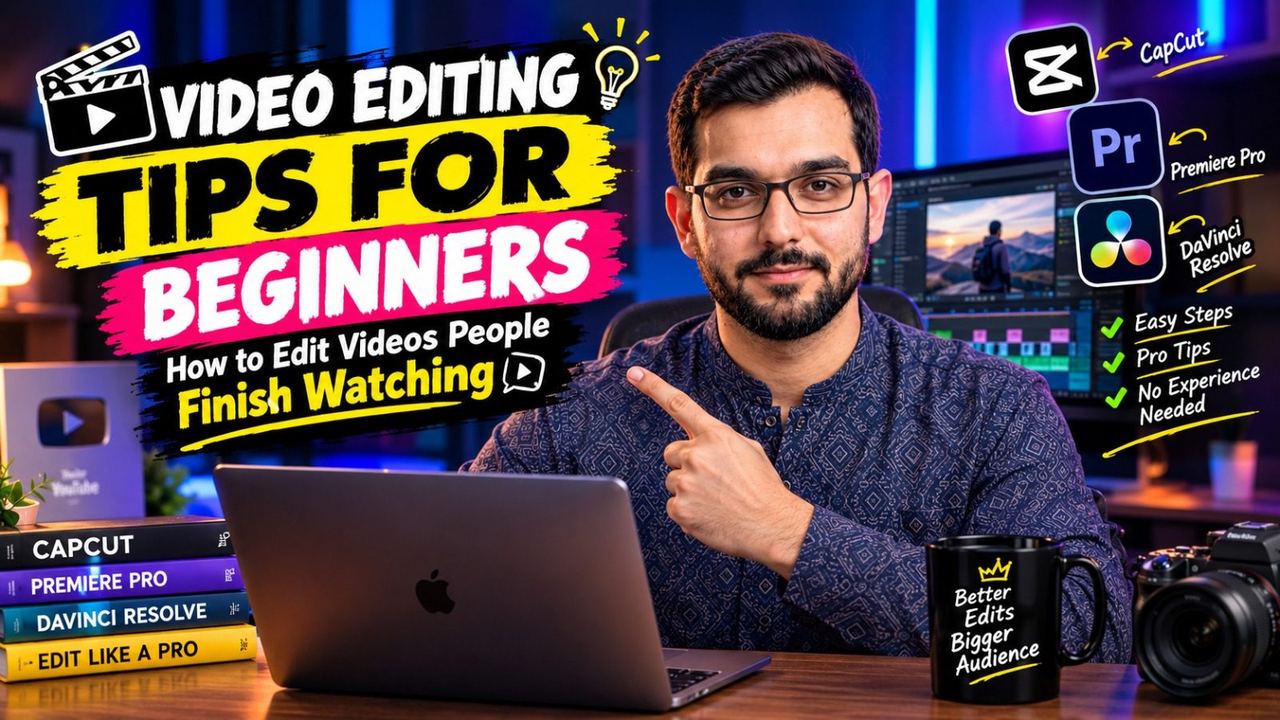
Video Editing Tips for Beginners: How to Edit Videos People Finish Watching

Everyone's first edits are rough — that's normal. But a few fundamentals separate videos people finish from videos people abandon. These video editing tips for beginners focus on what actually keeps viewers watching, not fancy effects you'll rarely use.
Cut Ruthlessly
Beginners keep too much. Every "um," every pause, every repeated point — cut it. A good rule: after your first pass, watch the video once and remove another 10%. Tight videos feel professional; rambling videos feel amateur. Learning how to edit videos starts with learning what to delete.
Pacing: Never Let It Drag
If a section feels slow to you while editing, it will feel three times slower to a viewer. Change something every few seconds — a camera angle, some b-roll, a zoom, on-screen text. This doesn't mean frantic cutting; it means constant gentle motion that keeps eyes engaged. Study videos you personally watch to the end and notice their rhythm.
Audio Matters More Than Video
Viewers forgive average visuals but not bad audio. Record in a quiet room, keep your mic close, and in editing, balance your voice above background music (music at low volume under speech). Remove harsh pops and background hum. One of the most impactful video editing tips: spend 15 minutes on audio cleanup and your video instantly feels twice as professional.
Captions Keep People Watching
Most viewers watch the first seconds on mute. Burned-in captions or auto-subtitles keep them engaged until they unmute — and many never unmute at all. Use a readable font, keep captions to 1–2 lines, and sync them tightly to the speech. This single addition can lift retention noticeably.
Learn Keyboard Shortcuts Early
Editing is slow until your hands learn the shortcuts. Blade, ripple delete, zoom timeline, play/pause — learn your editor's core 10 shortcuts in the first week. You'll edit twice as fast within a month, and speed matters because faster editing means more uploads.
Simple Color and a Phone Check
You don't need complex color grading. A simple pass — balanced exposure, slightly boosted saturation, a consistent look across clips — is enough for 95% of YouTube content. Before uploading, watch the final file once on your phone. Phones are where most of your audience lives, so that's where your video needs to look good.
Final Thoughts
Good editing is invisible — viewers just feel that a video is "easy to watch." Master cutting, pacing, and audio before chasing advanced effects, and your beginner videos will already outperform most.
Want pro editing without the learning curve? I edit YouTube videos for creators at affordable rates — DM on Instagram @officialqasimmedia and let's make your content shine.
Need help with your content?
I provide professional video editing, YouTube, Instagram and TikTok thumbnail design, AI content creation, UGC ads, social media growth support, and YouTube channel and complete brand packages.