My Daily AI Stack: The Free Tools I Use Every Day to Run a Content Business in 2026

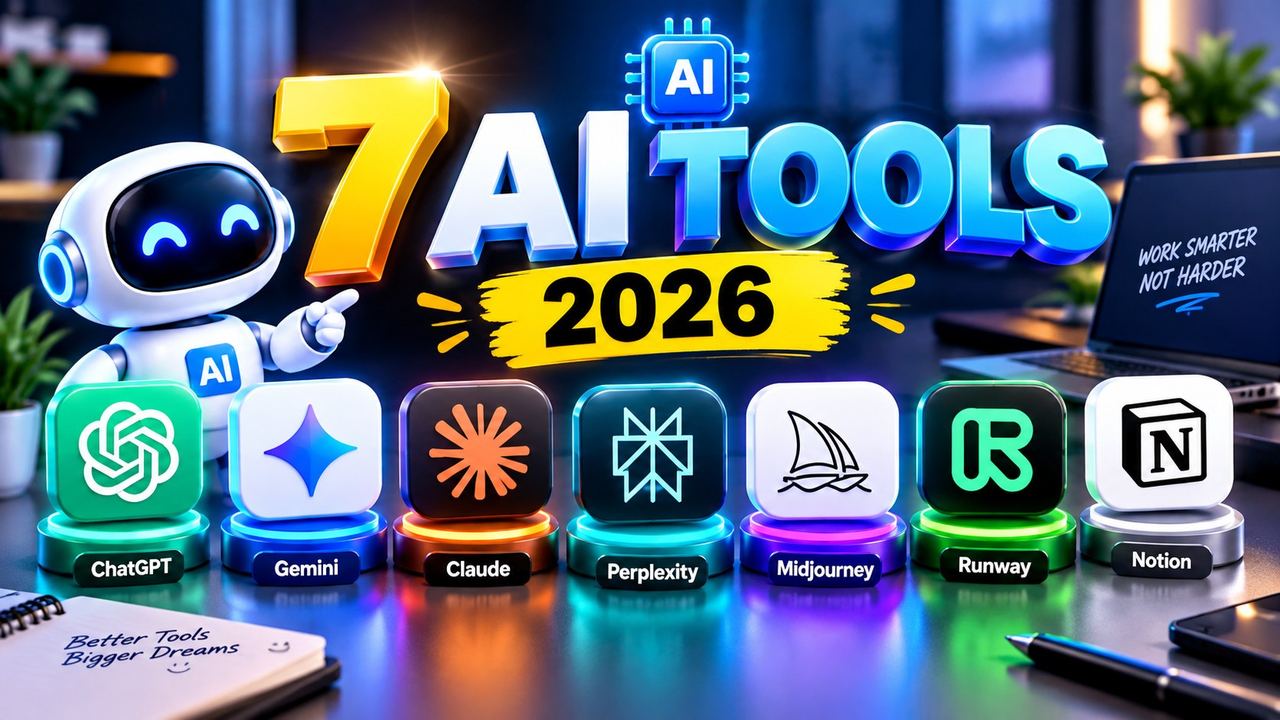
Every creator asks me the same question: which AI tools do you actually use? Not the sponsored list, not the fifty-tool roundup. The real answer is six tools, and I touch every one of them daily. Together they run my entire content business — writing, editing, thumbnails, planning and video generation.
Here is the stack, in the order I use each tool during a normal workday.
1. ChatGPT — The Brain of the Operation
ChatGPT is where every piece of content starts. I use it for script outlines, hooks, title variations, caption drafts and client emails. The trick is specificity: instead of "write me a script about AI tools," I feed it the structure I want — hook, three value points, CTA — and ask it to fill that structure. Output quality jumps immediately.
Honest limit: the free plan has message caps and slower responses during peak hours. I never hit a hard wall that stopped my work, but on heavy days I switch to shorter prompts and save the long brainstorms for off-peak hours.
2. Notion — The Command Center
Notion holds my entire content calendar, post manifests, video ideas, affiliate product lists and client notes. Every morning I open one dashboard: what publishes today, what needs a design, what Qasim still has to shoot. Without it, the two-posts-a-day rhythm across six platforms would fall apart within a week.
Honest limit: Notion's AI features are a paid add-on, so I keep AI work in ChatGPT and use Notion purely as an organizer. Its free plan covers everything a solo creator needs.
3. CapCut — The Edit Bay
CapCut Pro is my final edit station. Auto captions, beat-synced cuts, speed ramps, transitions and sound design all happen here. For reels and shorts, the auto-caption feature alone saves an hour per video: I generate captions, fix the Urdu-English mix-ups it mishears, and style them to match my brand colors. I never export a video from anywhere else.
Honest limit: some premium effects and stock assets sit behind CapCut Pro. Everything essential — cuts, captions, transitions, keyframes — works on the free tier. I only pay for Pro because I edit dozens of videos a month.
4. Canva — Quick Graphics in Minutes
When I need a clean graphic fast — a story background, a quote card, a simple banner — Canva gets it done in five minutes. Its templates are a starting point, not a finish line: I swap fonts, adjust colors to my black-red-gold brand, and add my own layouts so nothing looks like a template.
Honest limit: the best stock photos and many premium templates are paid. I design from scratch on free elements, which honestly produces more original results anyway.
5. Midjourney — Concept Art and Backgrounds
Midjourney generates concept visuals, cinematic backgrounds and texture plates for my videos and thumbnails. I use it for ideas, not finished posts: a moody 2.5D tech background becomes the base layer under my own design work in Photoshop-style editing. The 16:9 aspect ratio parameter gives me YouTube-ready canvases.
Honest limit: Midjourney is not free — there is no free tier anymore. I keep it because the output quality justifies the subscription for my thumbnail workflow. If you need zero cost, check the free alternatives I cover in my free AI toolkit guide instead.
6. Pika — Quick AI Video Clips
Pika turns short text prompts into short video clips. I use it for B-roll moments: a phone glowing in the dark, a cinematic camera push, an abstract tech background. Clips drop straight into CapCut as attention resets between talking-head segments.
Honest limit: the free tier gives limited monthly credits and watermarks on some plans, and generated clips sometimes need two or three regenerations to look right. I budget credits for only the shots that matter.
How the Stack Fits Together (My Daily Flow)
Here is the actual sequence on a production day:
1. Notion — open the calendar, see today's two post topics. 2. ChatGPT — draft the script, hook and captions for each topic. 3. Canva or Midjourney — build or concept the supporting visual. 4. CapCut — edit, caption, sound design, export. 5. Notion — mark it done, queue the next day's topics.
Nothing in this list requires an enterprise budget. One paid subscription (Midjourney) and one I chose for volume (CapCut Pro) — everything else runs on free tiers with real, stated limits. That is the honest version of a working creator stack in 2026: free tools doing ninety percent of the job, and paid tools only where the volume or quality genuinely demands it.
Need help with your content?
I provide professional video editing, YouTube, Instagram and TikTok thumbnail design, AI content creation, UGC ads, social media growth support, and YouTube channel and complete brand packages.