Create Consistent AI Videos in Minutes: The 2026 Workflow

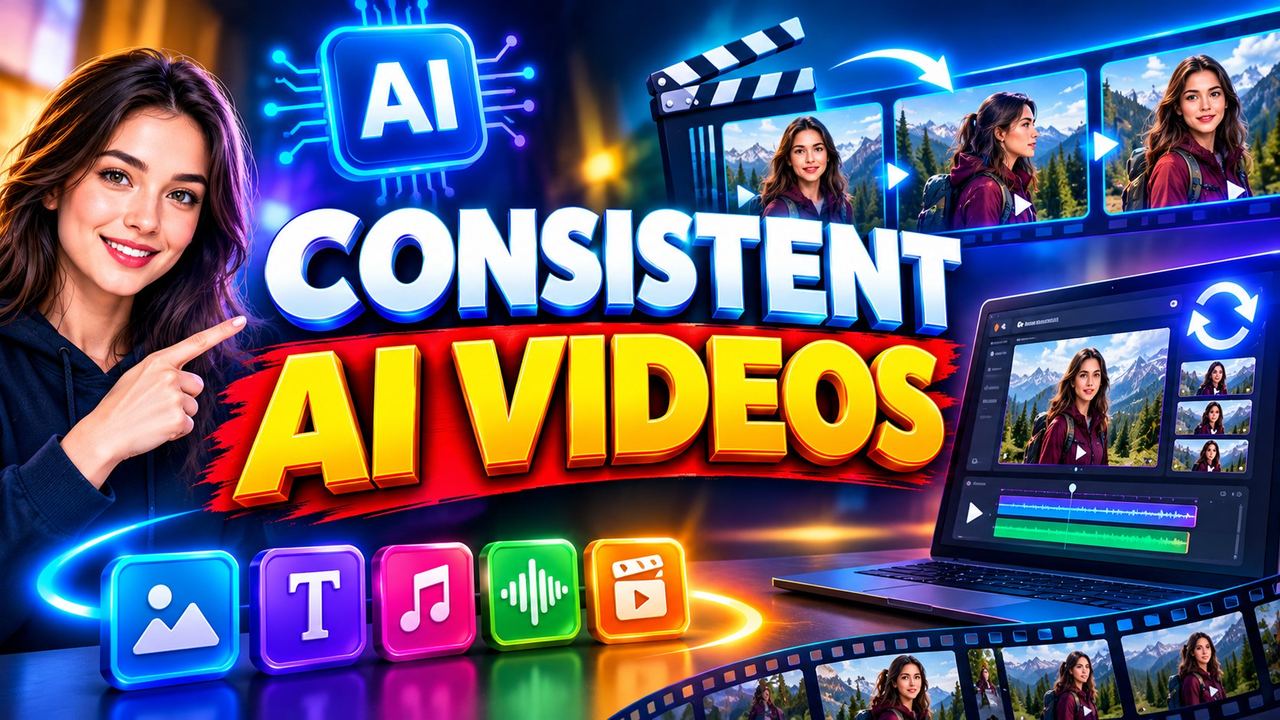
The number one problem with AI video in 2026 is consistency: your character looks different in every scene. Brands and audiences notice instantly. The fix is a reference-based workflow that locks your character's face, outfit and style before you generate a single frame. Here is how to do it in minutes.
Step 1: Build your character sheet
Generate one strong front-facing portrait of your character first. Then create 3 to 4 angle variations from it. Save these as your master references. Every future generation starts from these images, never from text alone.
Step 2: Lock the style prompt
Write one style block and reuse it verbatim in every prompt: same art style, same lighting description, same colour palette. Copy-paste beats creativity here. Consistency comes from repetition, not from clever new prompts each time.
Step 3: Generate scenes from references
Use image-to-video with your character sheet as the input, not text-to-video. Describe only the action and camera move. The model preserves the face and outfit from your reference far better than any text description can.
Step 4: Fix drift between scenes
After each generation, compare the face to your master reference. If drift appears, regenerate with a stronger reference weight or swap in a closer reference angle. Two minutes of checking saves hours of reshoots.
Tools that do this best in 2026
Look for generators with character reference or face-ID features. Kling, Veo and several aggregator platforms now support uploading a reference face. Test which preserves likeness best for your character style before committing to a full project.
Frequently asked questions
Why does my AI character keep changing faces?
Text prompts describe faces too vaguely. Image references lock identity far more reliably than words.
How many reference images do I need?
Three to five: front, three-quarter, side, plus one full-body for outfit consistency.
Can I keep the same character across different tools?
Yes, carry your master reference images between platforms. Results vary, so test each tool's reference strength.
Does this work for real human likeness?
Only with proper consent and rights. Never recreate a real person's likeness without permission.
Need help with your content?
I provide professional video editing, YouTube, Instagram and TikTok thumbnail design, AI content creation, UGC ads, social media growth support, and YouTube channel and complete brand packages.