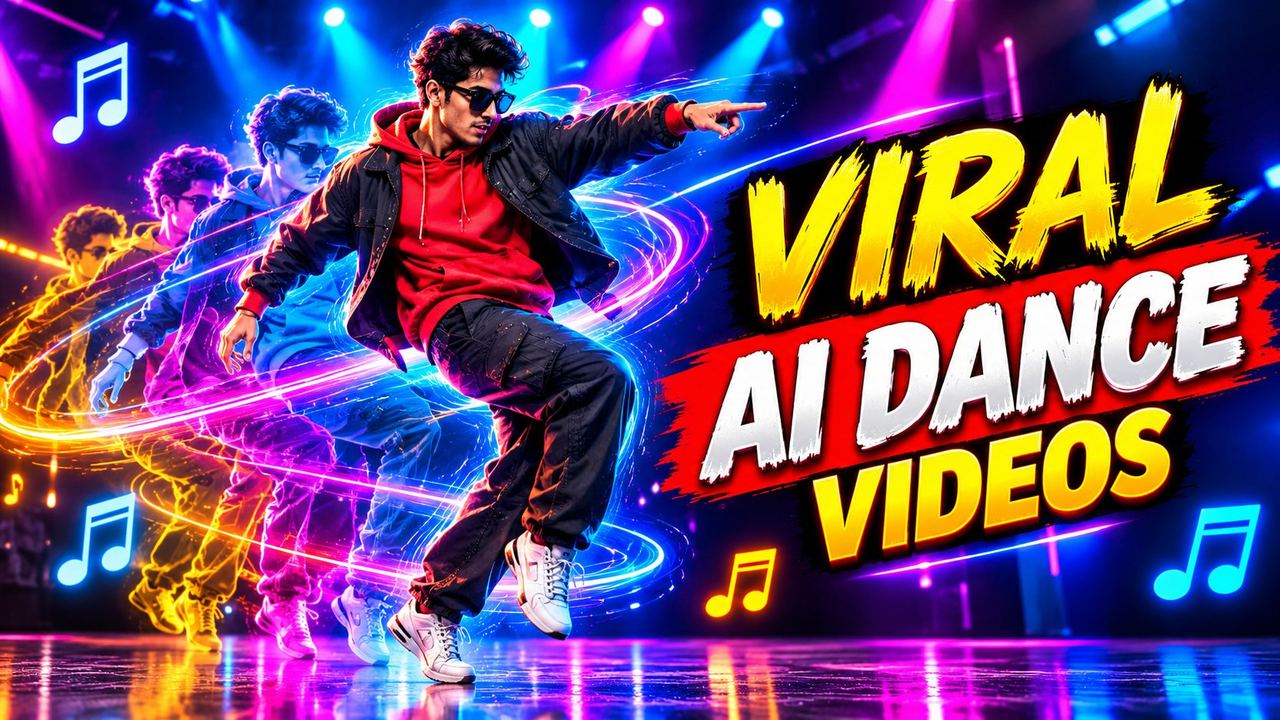
How to Create Viral AI Dance Videos with Google Gemini Omni (Free Tutorial)

AI dance videos are one of the most viral formats on Reels and TikTok in 2026: a still photo starts moving, dancing to the music, and viewers cannot look away. Google's Gemini Omni capabilities make this possible from a single image. Here is the exact workflow, the prompts that work, and what the free tier really allows.
What you need before you start
You need a clear photo of the subject (good lighting, visible full body works best for dance), a Google account with access to Gemini's media generation features, and a trending audio picked from TikTok or Reels before you generate. Choosing the audio first matters because the dance energy should match the beat.
The exact steps
Step 1: Prepare the photo
Use a sharp, well-lit photo with the subject fully visible. Busy backgrounds confuse motion models, so a clean background gives cleaner dance motion. Portrait orientation matches Reels and TikTok.
Step 2: Write a dance prompt that works
Describe the dance, not just 'dancing'. A working prompt looks like: 'The person in this photo dances energetically to an upbeat track, smooth hip-hop moves, natural arm motion, realistic body movement, camera slowly pushes in, vertical video.' Name the style, the energy and the camera move. Vague prompts give robotic results.
Step 3: Generate and pick the best take
Generate two or three takes and keep the one with the most natural motion. Watch the hands and feet closely: these are where AI dance videos usually break. A slightly shorter, cleaner clip beats a longer glitchy one every time.
Step 4: Sync to trending audio in CapCut
Export the clip and edit in CapCut: sync the biggest moves to the beat drops, add captions with the trend name, and keep it under 15 seconds for maximum replays. Trending audio plus clean motion is the viral formula.
Prompts that consistently work
Patterns that perform: specific dance styles ('smooth hip-hop', 'energetic bhangra steps'), camera direction ('slow push in', 'subtle orbit'), and mood words ('confident', 'playful'). Avoid asking for complex choreography with multiple people in one generation; single-subject clips are far more reliable.
Honest notes on free limits
Free access to advanced media generation is credit-based and limits change often. Expect queues at peak times and a daily or monthly cap on generations. Treat free credits as rehearsal: perfect your prompt on free takes, then use paid credits only for the final version when a video is performing or for client work.
Frequently asked questions
Can I make AI dance videos for free?
Yes, using free tiers of AI media generation tools, but generations are credit-limited and caps change often. Plan your prompts so each generation counts.
Why do my AI dance videos look robotic?
Usually a vague prompt or a cluttered source photo. Name the dance style and energy explicitly, use a clean full-body photo, and keep clips short.
Which photo works best for AI dance videos?
A sharp, well-lit, full-body photo with a clean background in portrait orientation. The model needs to see the whole body to animate it naturally.
Can I use AI dance videos commercially?
Check the current terms of the tool you used. Free tiers often restrict commercial use, and you also need rights to the photo and the audio track.
Need help with your content?
I provide professional video editing, YouTube, Instagram and TikTok thumbnail design, AI content creation, UGC ads, social media growth support, and YouTube channel and complete brand packages.